Start With Your Mission
Choose the path that fits your situation: first claim, increase, appeal, BDD before discharge, discharge upgrade, forms, or benefits and support.
Before the tour, hear it from Antonio himself: how BRITE CC turns healthcare challenges into clear words an evaluator can act on — so a veteran can pursue the rating they deserve.
Start here. Antonio explains the work in his own words — education first, not another claims maze.
Open BRITE CC and you’re not staring at another portal. You pick a mission, name what hurts, see how VA rates it, and save the proof you still need — before the paperwork starts running the day.
Available now on the App Store for iPhone & iPad
Free from BRITE CC, a veteran-led 501(c)(3). No desktop or Android version at this time; this page carries the full tour, and inside the app Bright, the assistant helps you ask for the next step out loud.
Antonio’s rule for this page: don’t just take our word for it. These are other veterans on Instagram who talk claims, exams, and persistence every week — worth a watch, and a follow.
Outside voices, shared for the conversation. BRITE CC stays a free, education-first nonprofit — when you’re ready for a plan, ours is in the app.
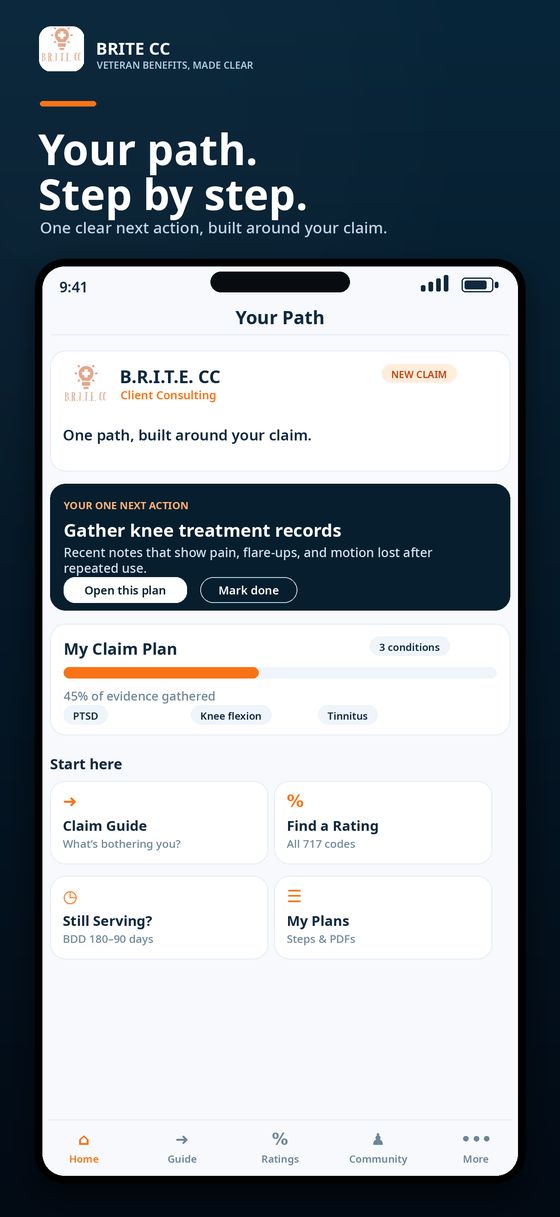
Inside the app, those conversations become a workflow: pick a mission, read the rating ladder, save the plan, and keep evidence notes where you can find them again.
Choose the path that fits your situation: first claim, increase, appeal, BDD before discharge, discharge upgrade, forms, or benefits and support.
Search by symptom, body area, or condition and connect it to the federal rating schedule in plain, reader-friendly language.
See what separates 0%, 10%, 30%, 50%, and higher ratings — including the evidence, exams, and documentation that matter.
Create a personal claim plan, add or remove conditions, keep your next steps in one place, and export a clean PDF when you are ready.
Review medical records on your device and connect possible issues to CFR conditions, strengths, gaps, and ways to improve your evidence.
Active-duty service members can prepare earlier with Benefits Delivery at Discharge guidance, including support from BRITE CC BDD Specialist Irene Johnson.
Find VA forms with plain-English fill guidance, step-by-step claim and appeal guides, discharge-upgrade help, and current VA updates.
Reach Antonio, Troy, and Irene from the app experience and connect with fellow veterans as community features continue to roll out.
Bright is the assistant built into BRITE CC. Tap the BRITE light, speak naturally, and Bright routes you toward the rating ladder, requirement, form, guide, benefit, or human help that fits the question.
That’s Bright, the assistant. If you download BRITE CC for one new reason, make it the light — and have the app ready when the update opens.
Bright asks the follow-ups that matter and points you toward the closest rating path.
Skip the menu hunt and get to the right VA form with plain-English guidance.
Bright explains how VA disability and Social Security can fit together — and where to check next.
The app itself lives on Apple devices; this page is built to stay useful wherever you open it first.
Install BRITE CC and keep your plan, forms, messages, and Bright within thumb’s reach.
Use the bigger canvas to read rating ladders, compare evidence notes, and prepare before a session.
No desktop app at this time. Browse the full preview here, save the forms you need, and open the App Store on your iPhone or iPad when you’re ready.
A quick look inside — the screens are trimmed on this page so the tour stays readable on a phone, tablet, or monitor.
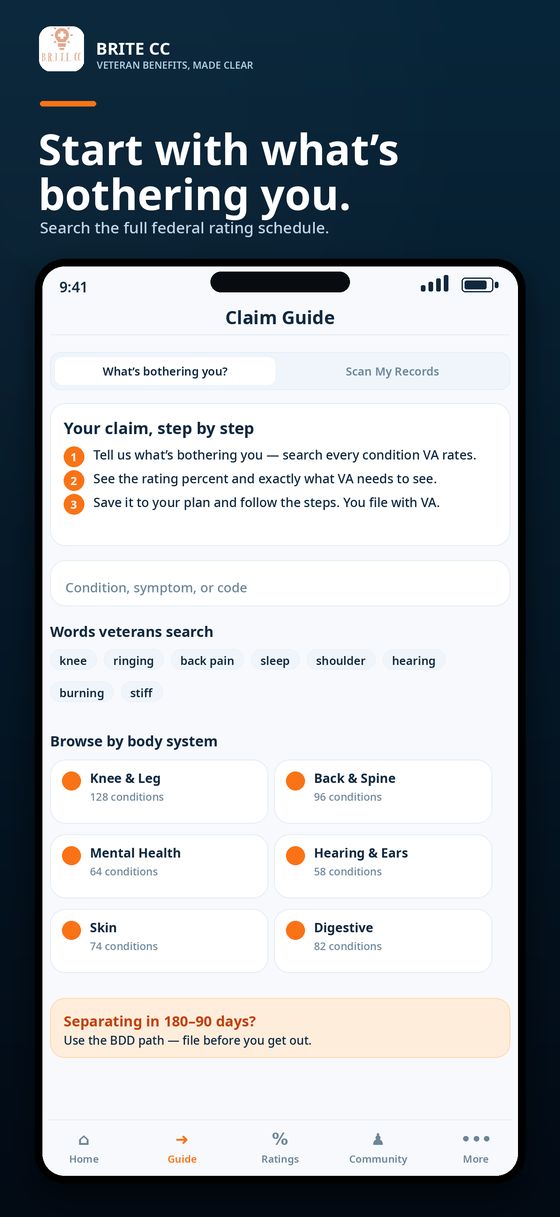
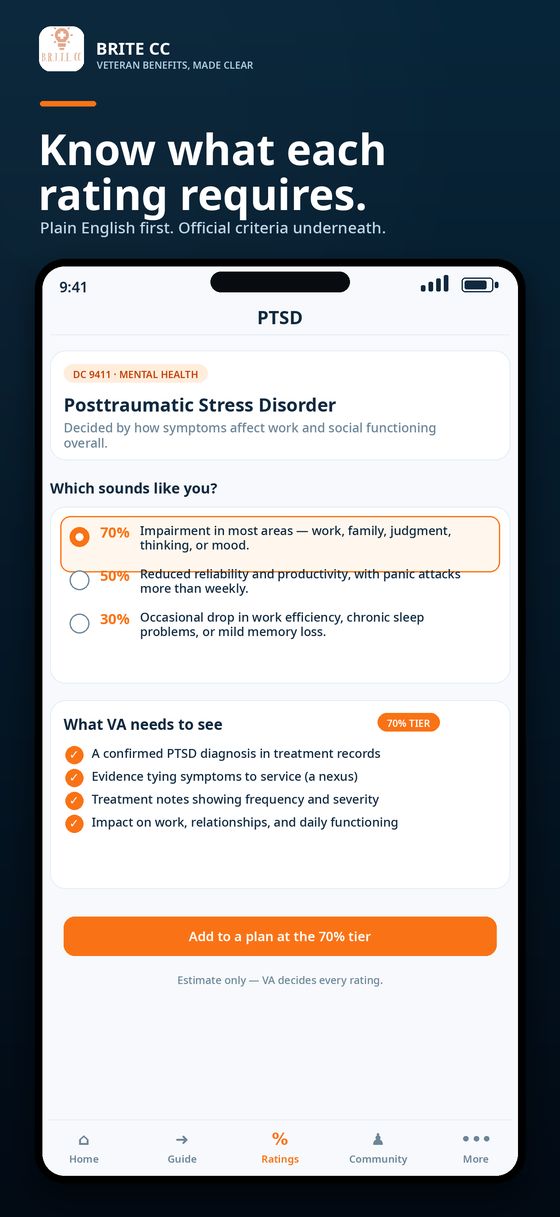
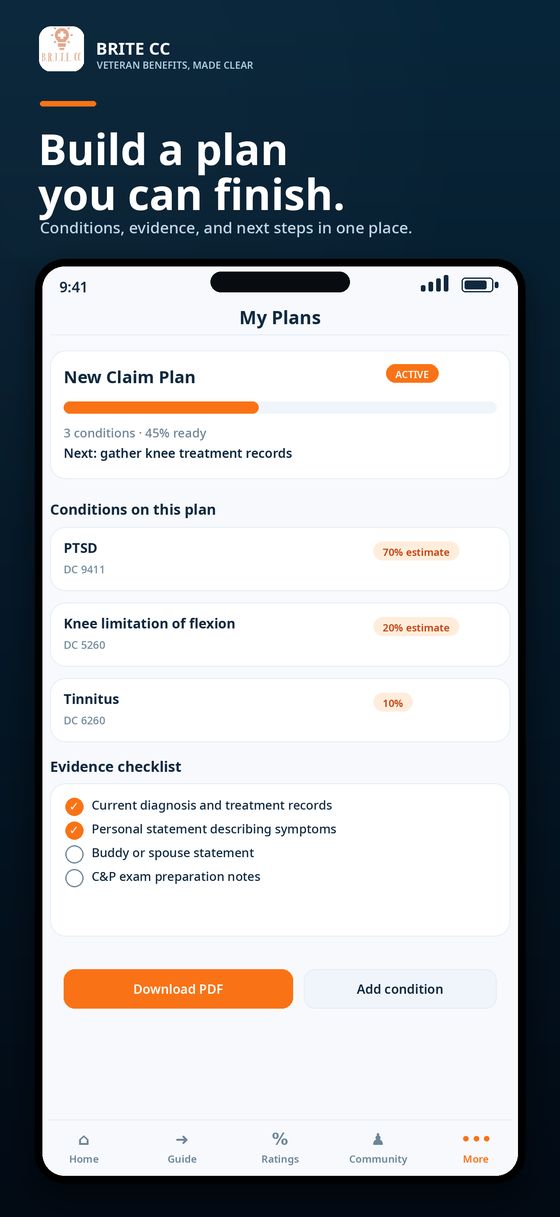
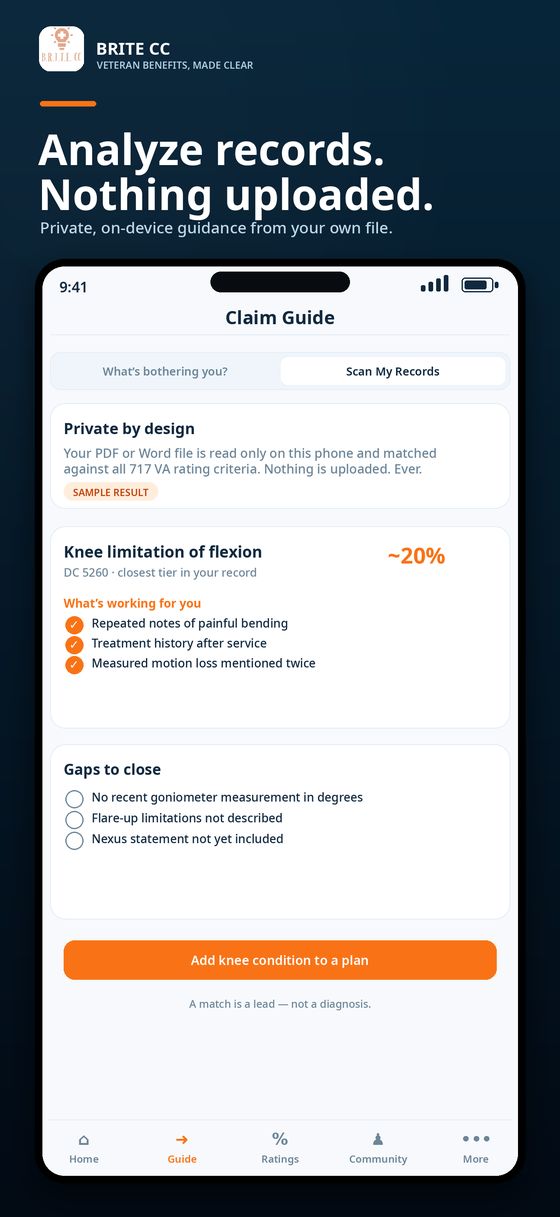
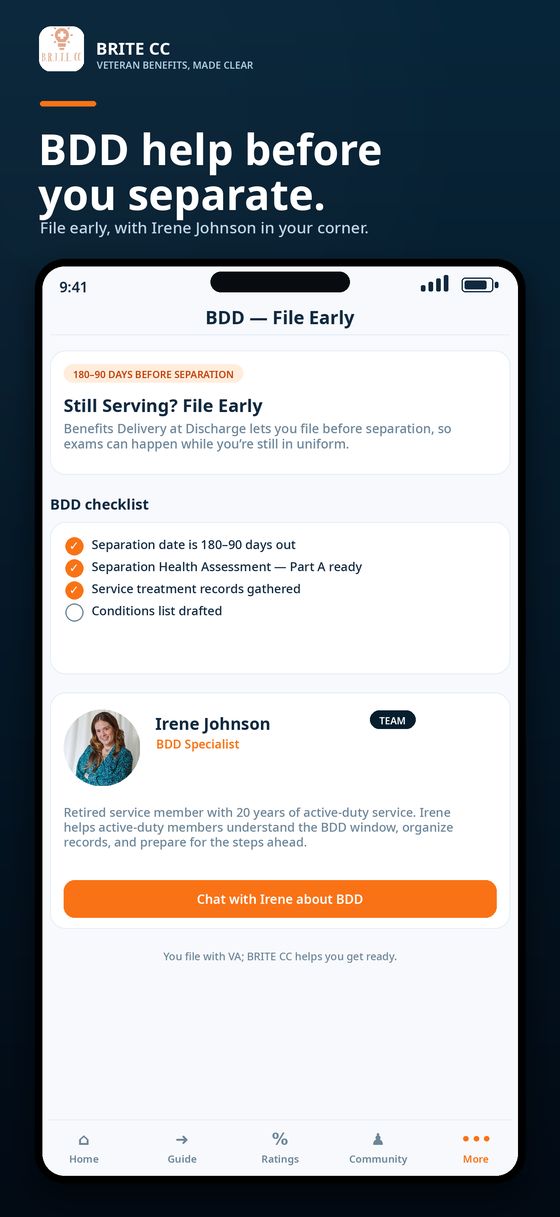
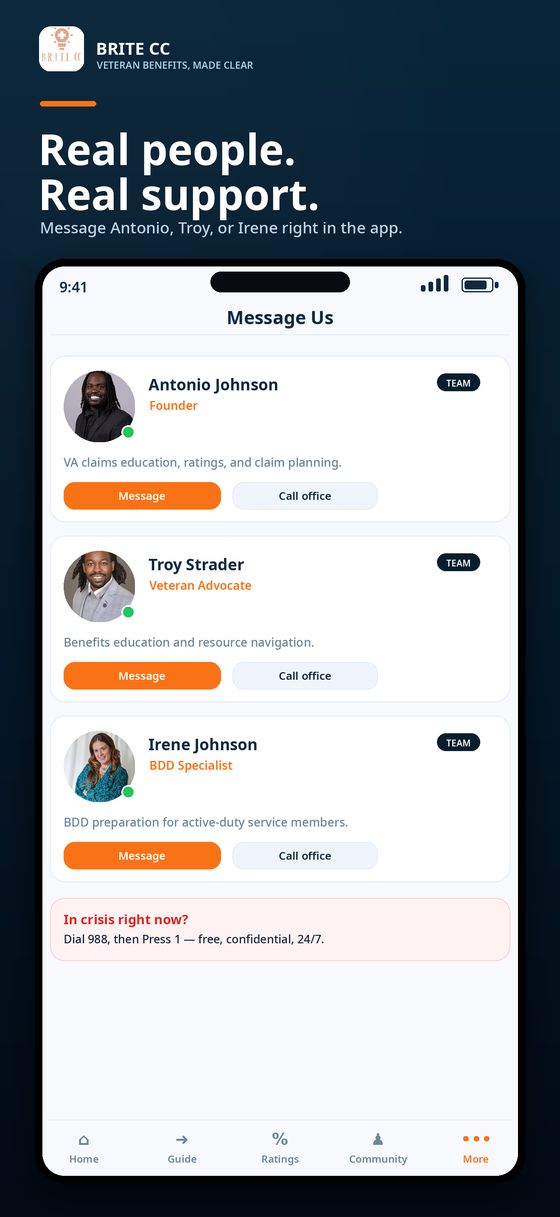
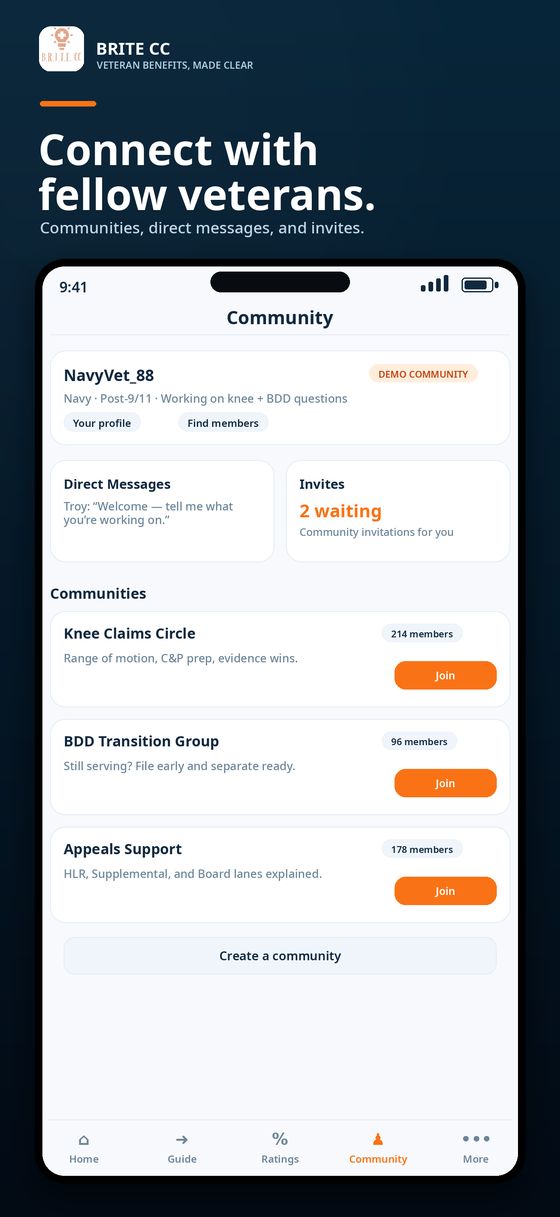
Open BRITE CC on your iPhone or iPad, choose what’s bothering you, and save the first version of your plan. If you’d rather talk it through first, book a session with Antonio, Troy, or Irene.
Download on the App Store Book a Session